Tab, window or entire screen
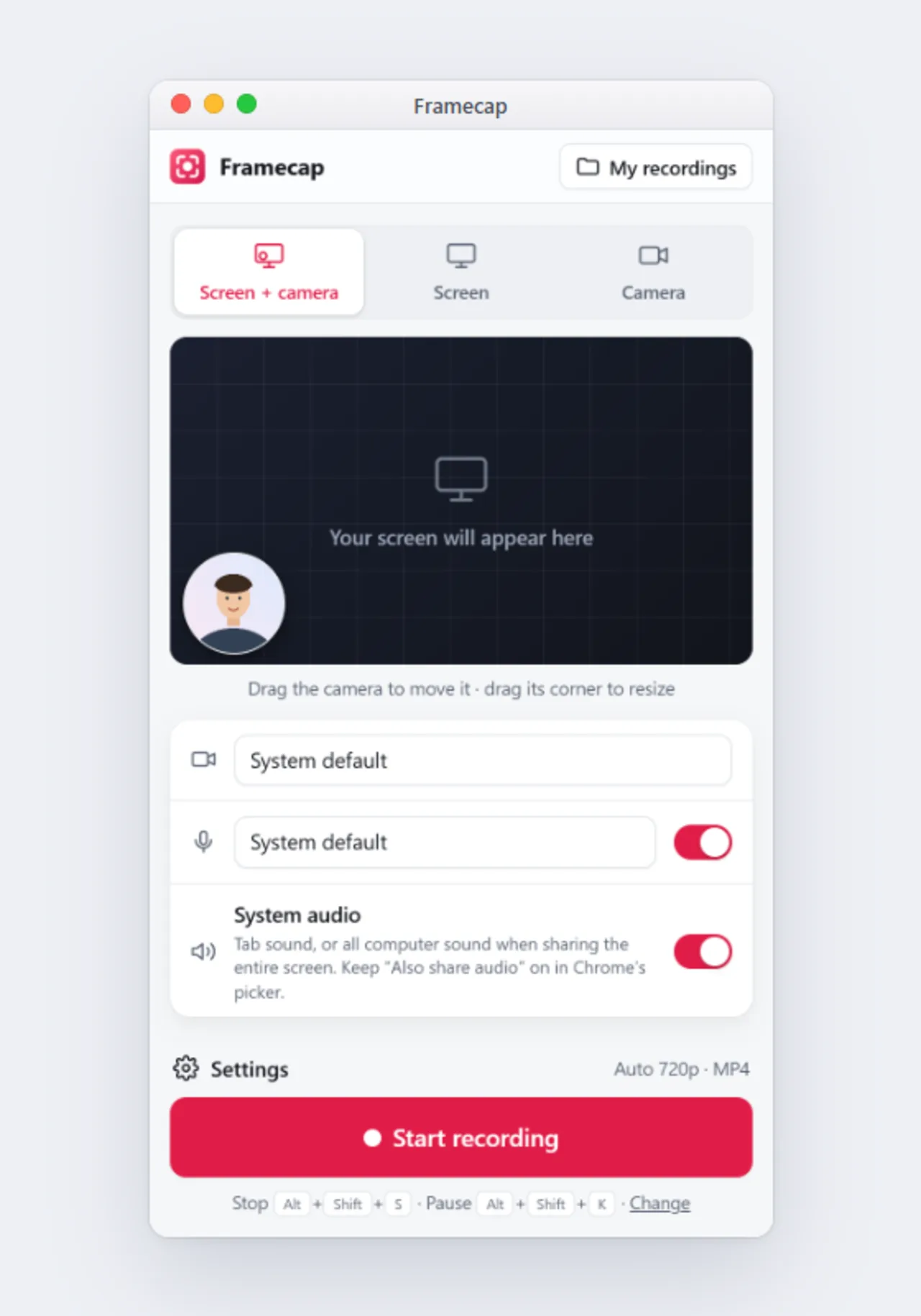
Pick exactly what to share in Chrome's picker: one browser tab, one app window or your whole screen.
Free Chrome extension · no sign-up
Record your screen, a browser tab or your webcam in sharp Full HD, with your microphone and system audio. No watermark, no time limit, no account. Your videos stay on your computer.
Features
Pick exactly what to share in Chrome's picker: one browser tab, one app window or your whole screen.
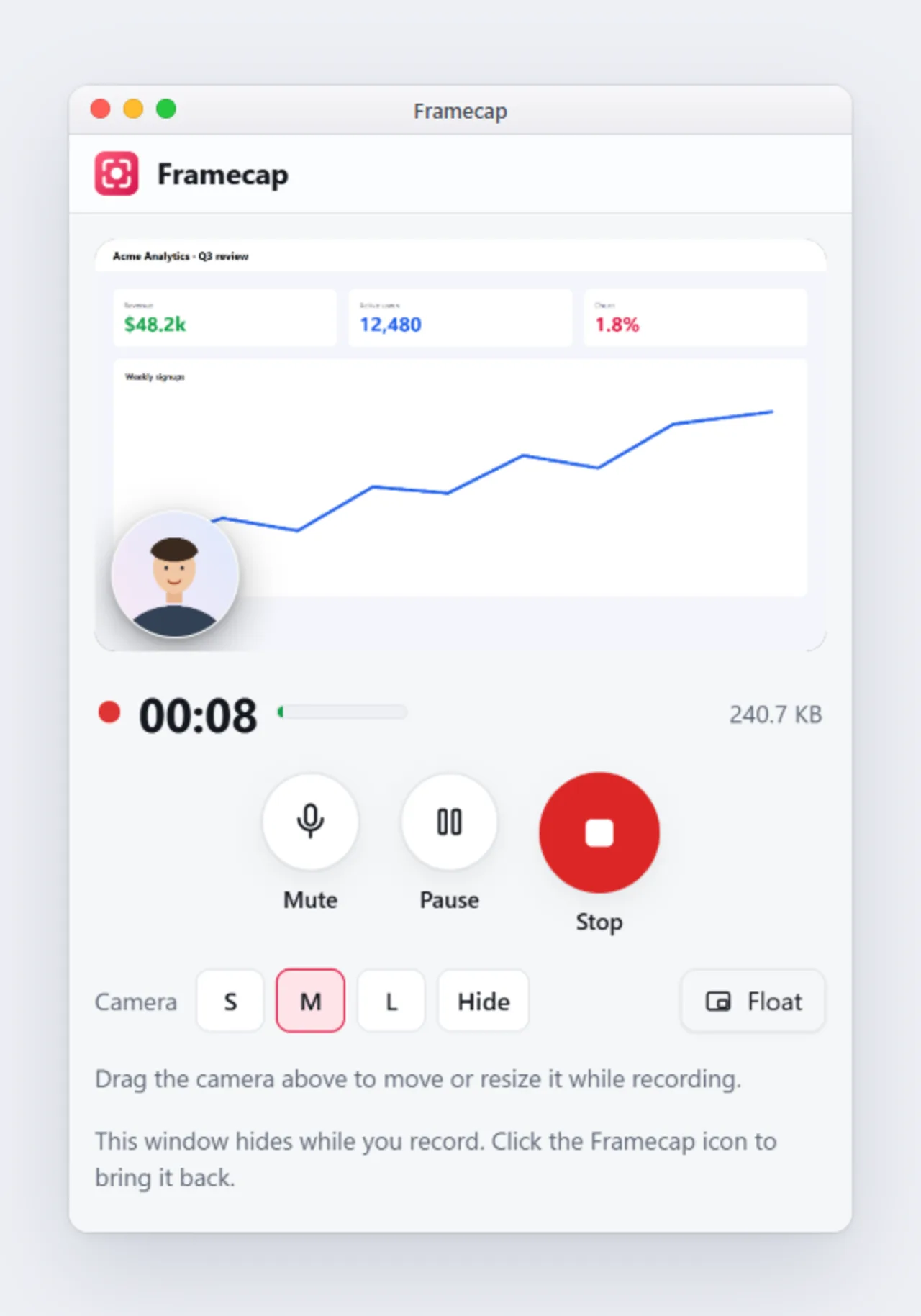
Drag it anywhere, resize it or hide it, even in the middle of a recording.
Your voice, a tab's sound or your computer's, together or apart. A level meter shows sound is coming through.
Noise cancellation removes hiss, hum and room noise, so every word is easy to hear.
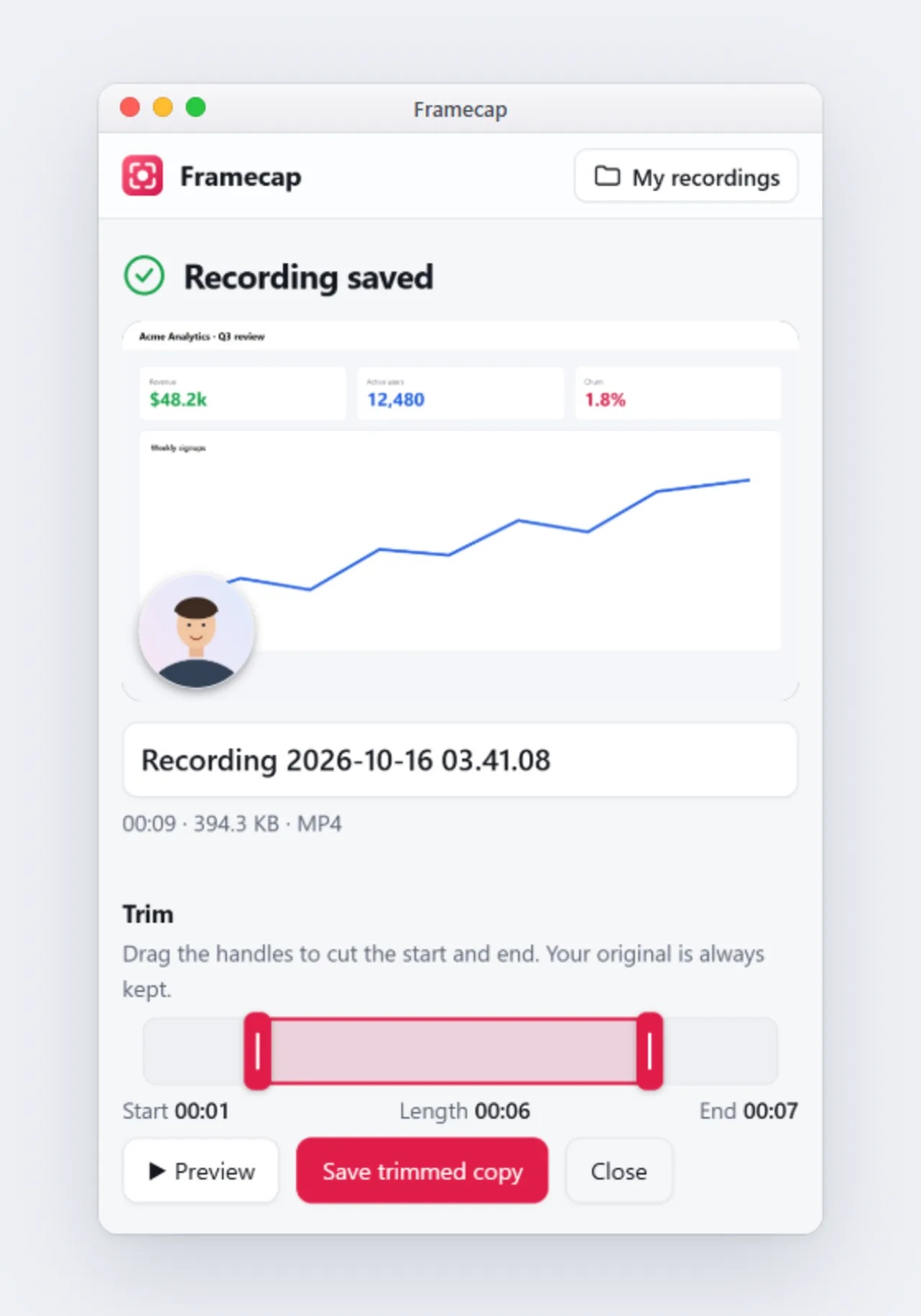
Drag two handles to cut the start and end. No loss in quality, and your original is kept.
Framecap picks the sharpest setting your computer can record smoothly, and keeps long recordings even instead of letting them freeze. Or choose 1080p, 60 fps, 720p and more yourself. Download as MP4 or WebM.
No uploads, no servers. Your recording is saved every second, so it survives a browser crash.
The window hides while you record. Pause with Alt+Shift+K, stop with Alt+Shift+S.
One-click templates
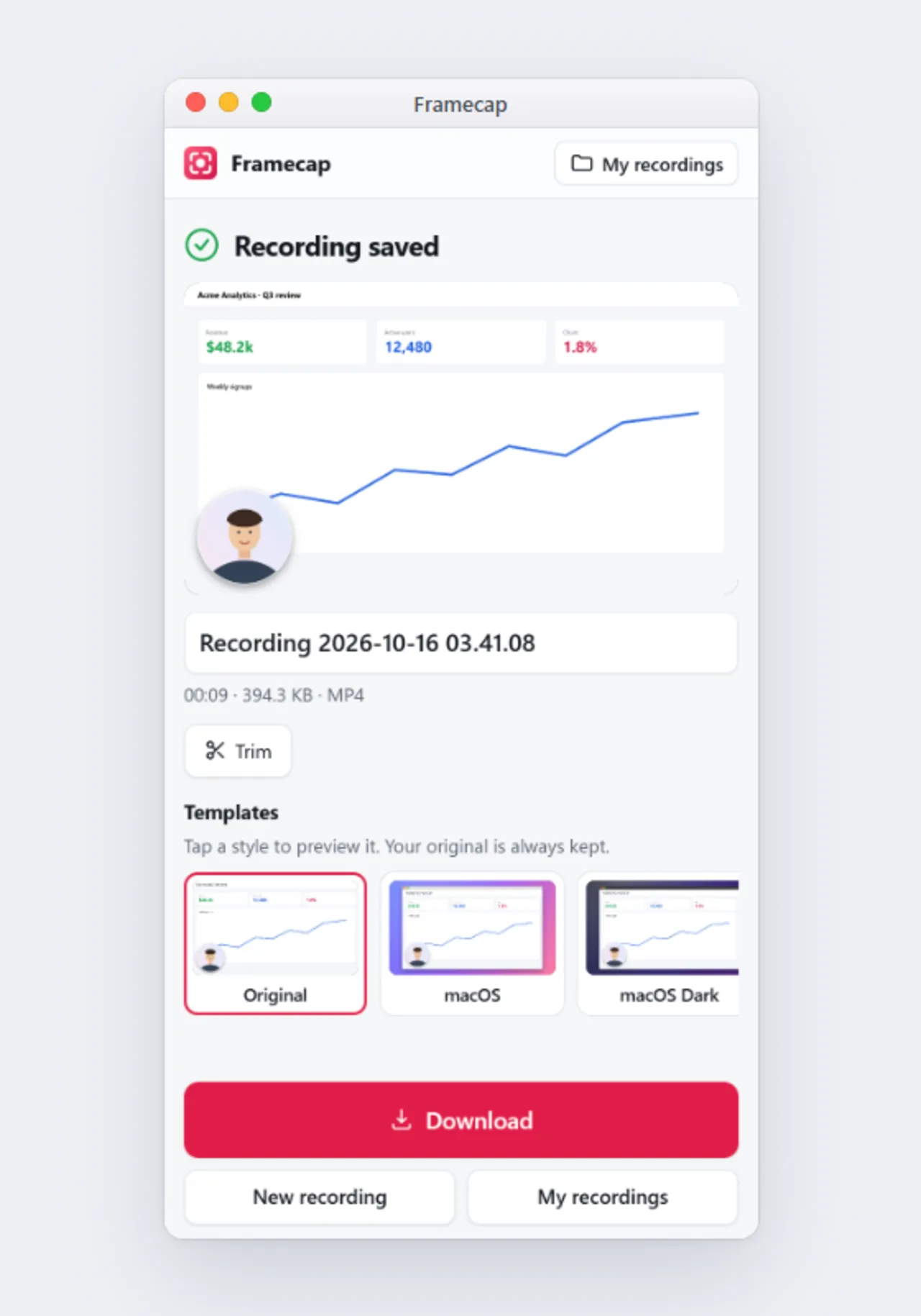
After recording, tap a style to put your video in a macOS window, a browser frame or on a soft background. Your original is always kept.
How it works
FAQ
Yes. There's no paid plan, no trial and no limit on how many videos you record or how long they are.
No. Your videos are exactly what you recorded, with no logo or watermark.
Yes. Choose Screen + camera. Your webcam appears in a round bubble that you can drag and resize before and during the recording.
Yes. Turn on System audio and keep "Also share tab audio" (or "Also share system audio") on in Chrome's picker. Sharing a tab records that tab's sound on every computer. Sharing the entire screen records all computer sound on Windows and ChromeOS. Chrome can't record sound from a single app window.
Yes. Noise reduction is on by default: it combines Chrome's noise suppression with Framecap's own voice clean-up, which removes hum and rumble, makes words clearer and quiets the background between words. You can choose Strong, Standard or Off in Settings.
Yes. After you stop, click Trim under the video and drag the start and end handles. Click Save trimmed copy and the cut version is ready in a few seconds. Your original recording is kept.
On your own computer, inside Chrome. Download them as MP4 or WebM files whenever you like. Nothing is uploaded.
Yes. Framecap works in Google Chrome 116 or later on Windows, macOS, Linux and ChromeOS.
No. Install the extension and start recording. There's nothing to sign up for.
Free, private and no watermark. Installs in one click.
 Add Framecap to Chrome